

Lenovo L903 Micro HDMI to VGA Adapter | Advanced Reliable
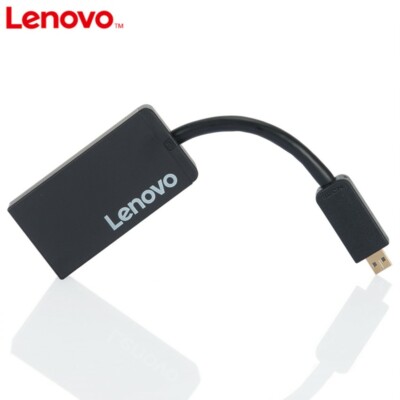
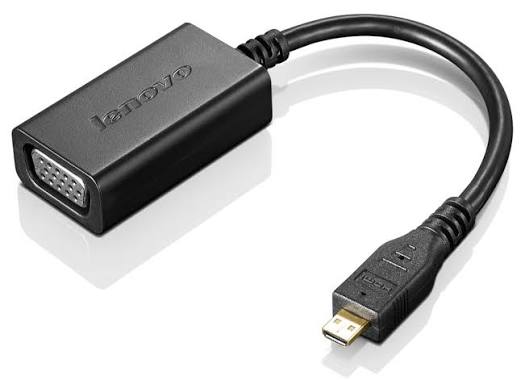
Lenovo L903 Micro HDMI to VGA Adapter converts Micro HDMI to VGA with support for up to 1920×1080@60Hz. Plug-and-play for monitors and projectors.
Lenovo L903 Micro HDMI to VGA Adapter
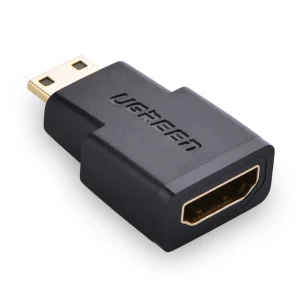
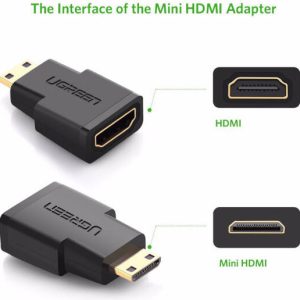
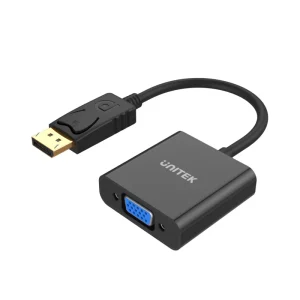
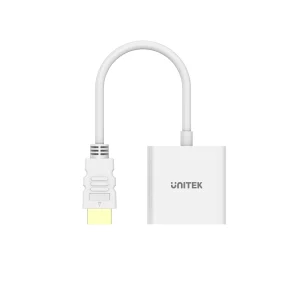
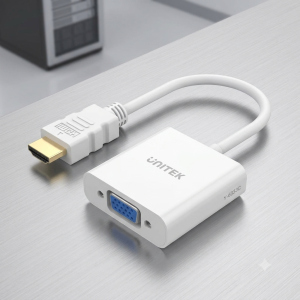
Compact display adapter that connects devices with a Micro HDMI (Type D) output to monitors, TVs, or projectors with a VGA input. It supports high-definition video output up to 1920 × 1080 @ 60Hz, making it suitable for presentations, classrooms, conference rooms, and legacy VGA displays. Its plug-and-play design provides a simple solution for extending or mirroring your display without requiring additional drivers.
Specifications of Lenovo L903 Micro HDMI to VGA Adapter
Specification |
Details |
|---|---|
Brand |
Lenovo |
Model |
L903 |
Product Type |
Micro HDMI to VGA Adapter |
Input |
Micro HDMI (Type D) Male |
Output |
VGA Female (15-pin D-Sub) |
Maximum Resolution |
1920 × 1080 @ 60Hz |
Signal Conversion |
Digital (Micro HDMI) to Analog (VGA) |
Display Modes |
Mirror Mode, Extend Mode |
Plug & Play |
Yes |
Driver Required |
No |
Compatibility |
Laptops, Tablets, Cameras, Camcorders, and other devices with Micro HDMI output; VGA monitors, projectors, and displays |
Color |
Black |
Connectivity
Input
- Micro HDMI (Type D) Male
Output
- VGA Female (15-pin D-Sub)
What’s in the Box
- 1 × Lenovo L903 Micro HDMI to VGA Adapter
FAQ
Q1. What is the maximum supported resolution?
A. Up to 1920 × 1080 @ 60Hz.
Q2. Does this adapter require drivers?
A. No. It supports plug-and-play operation.
Q3. Can it connect a Micro HDMI laptop to a VGA projector?
A. Yes, it is designed for connecting Micro HDMI source devices to VGA displays or projectors.
Q4. Does this adapter support extended desktop mode?
A. Yes, it supports both Mirror and Extend display modes.
Q5. Does VGA carry audio?
A. No. VGA transmits video only; audio is not carried through the VGA connection.
Reviews
There are no reviews yet.