

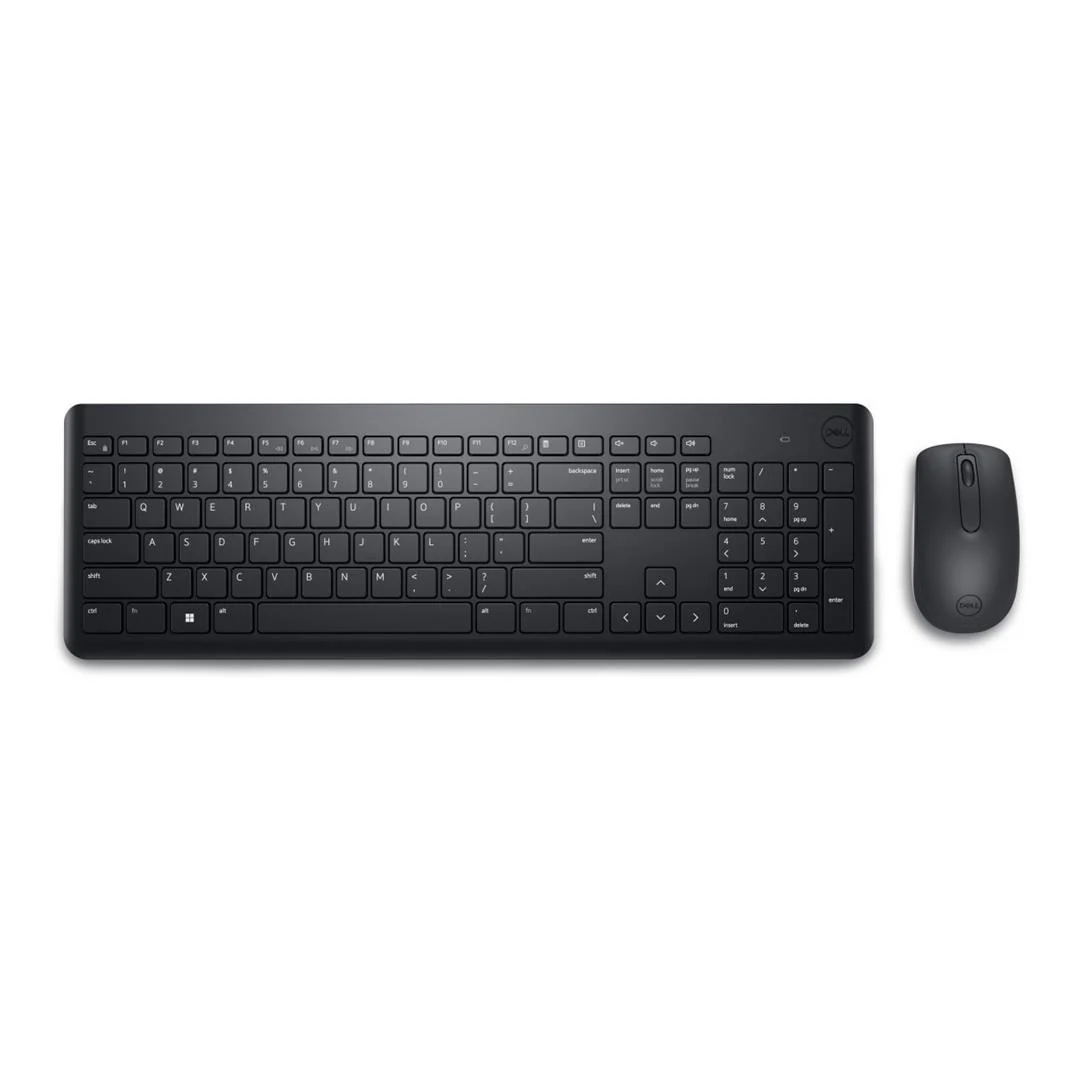
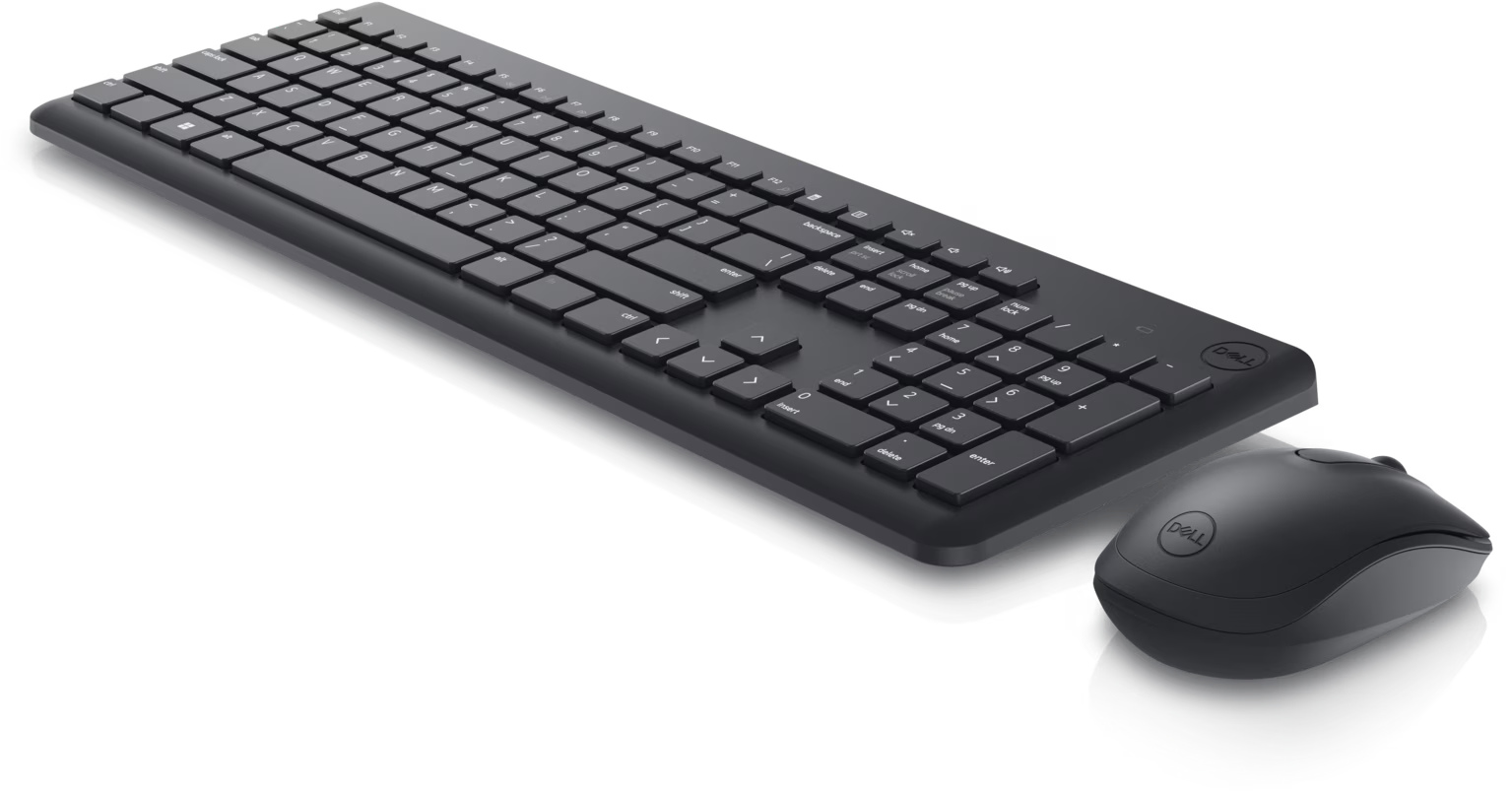
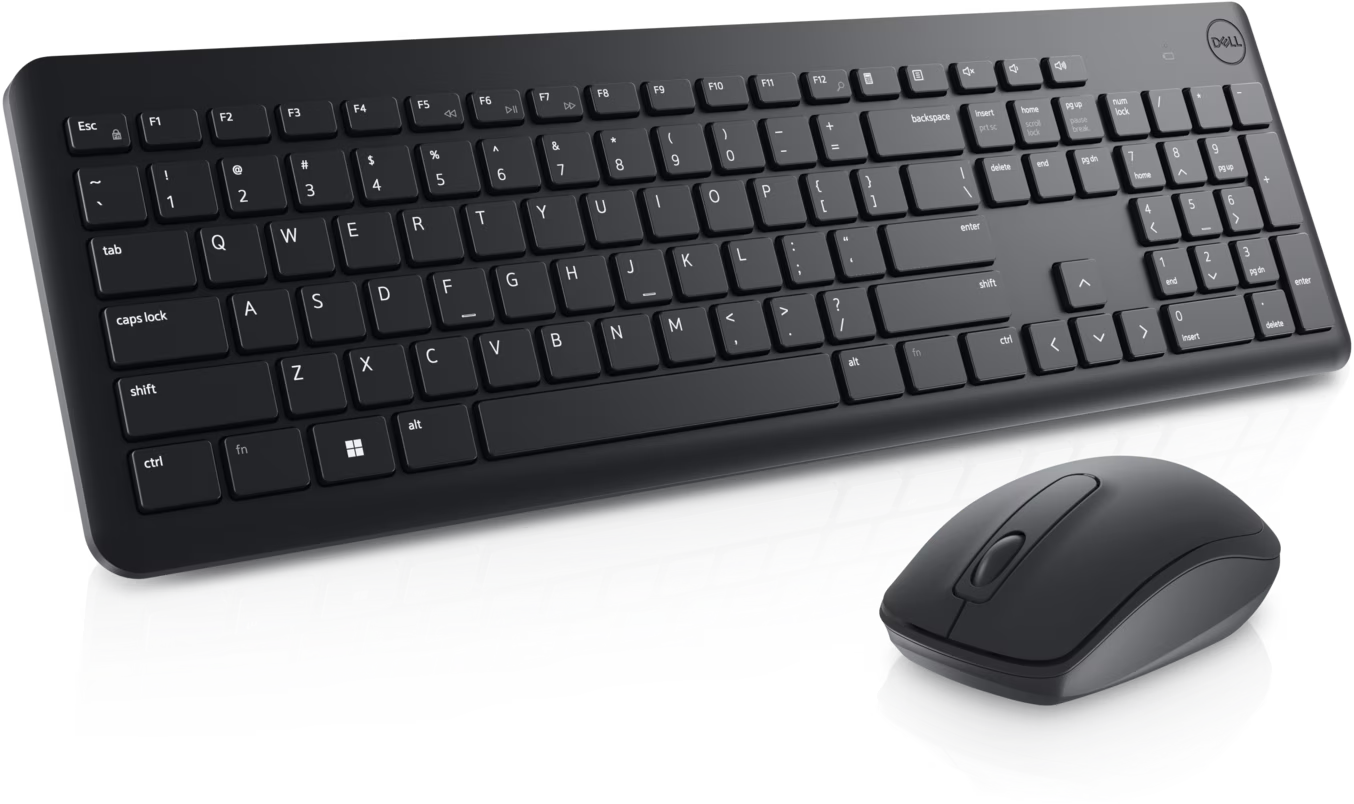
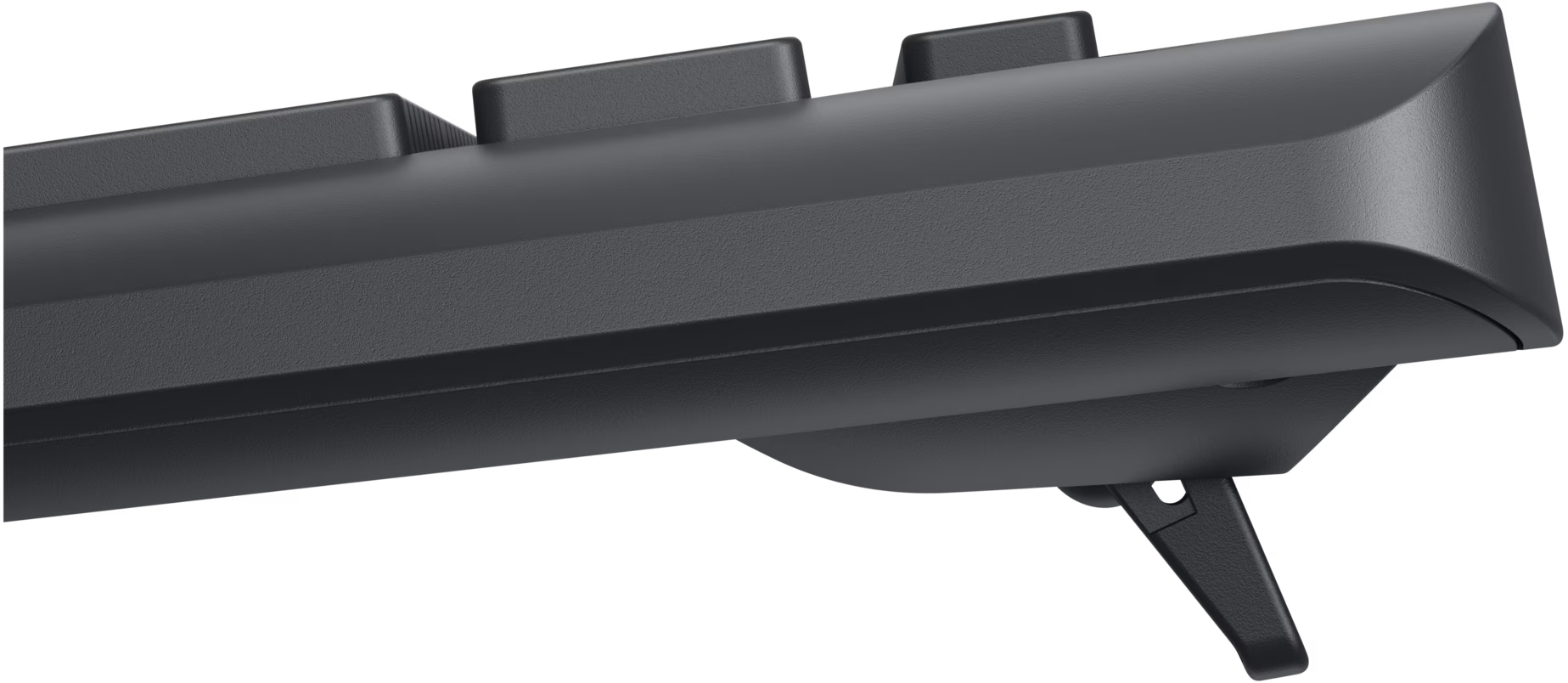
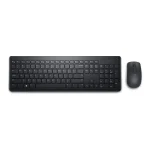
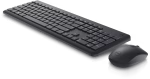
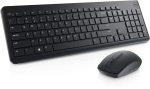
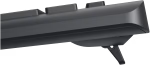
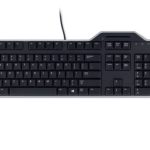
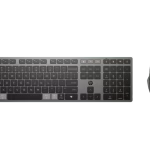
Dell KM3322W Advanced Reliable Wireless Keyboard & Mouse
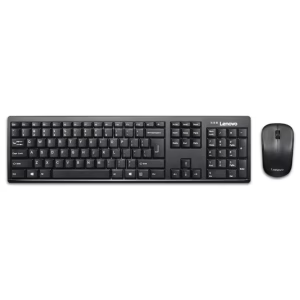
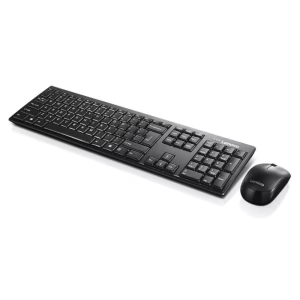
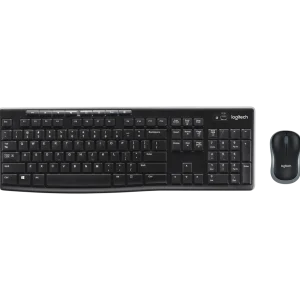
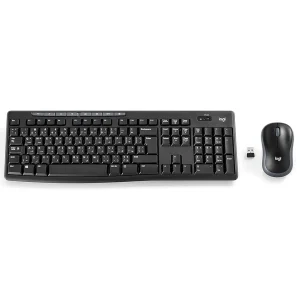
Stay productive with Dell KM3322W, a wireless keyboard and mouse combo featuring a full-size keyboard, 1000 DPI optical mouse, USB receiver, and AES 128-bit encryption.
Dell KM3322W Wireless Keyboard and Mouse Combo
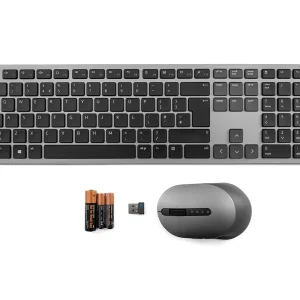
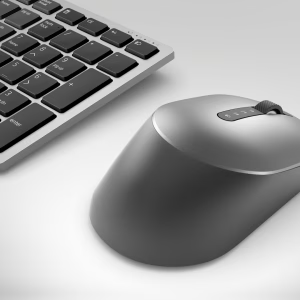
Wireless keyboard and mouse combo designed for reliable everyday productivity. It features a full-size keyboard with a numeric keypad, a 1000 DPI optical mouse, and a 2.4GHz wireless USB receiver for stable connectivity. With AES 128-bit encryption and plug-and-play setup, it is ideal for home, office, and business use.
Specifications of Dell KM3322W
Specification |
Details |
|---|---|
Brand |
Dell |
Model |
KM3322W |
Part Number |
580-AKFX |
Product Type |
Wireless Keyboard & Mouse Combo |
Connectivity |
2.4GHz Wireless |
Wireless Receiver |
USB Nano Receiver |
Keyboard Layout |
Full-size with Numeric Keypad |
Keyboard Technology |
Plunger Keys |
Hot Keys |
Volume Up, Volume Down, Mute |
Mouse Type |
Optical Wireless Mouse |
Mouse Resolution |
1000 DPI |
Mouse Buttons |
3 Buttons |
Security |
AES 128-bit Encryption |
Plug & Play |
Yes |
Driver Required |
No (Dell Peripheral Manager optional for Windows) |
Compatibility |
Windows, macOS, Linux, ChromeOS, Android |
Keyboard Dimensions |
449.2 × 123 × 25.3 mm |
Keyboard Weight |
497 g |
Mouse Dimensions |
58.3 × 104.9 × 38.9 mm |
Mouse Weight |
57.8 g |
Color |
Black |
Connectivity
Wireless
- 2.4GHz Wireless
- USB Nano Receiver
What’s in the Box
- 1 × Dell KM3322W Wireless Keyboard
- 1 × Dell Wireless Mouse
- 1 × USB Wireless Receiver
- 2 × AAA Batteries (Keyboard)
- 1 × AA Battery (Mouse)
- User Documentation
FAQ
Q1. Does the Dell KM3322W use Bluetooth?
No. It connects via the included 2.4GHz USB wireless receiver.
Q2. What is the mouse DPI?
The included optical mouse has a resolution of 1000 DPI.
Q3. Does the keyboard include a numeric keypad?
Yes. It features a full-size layout with a dedicated numeric keypad.
Q4. Is any software required?
No. It works with plug-and-play functionality. Dell Peripheral Manager is optional for Windows.
Reviews
There are no reviews yet.