

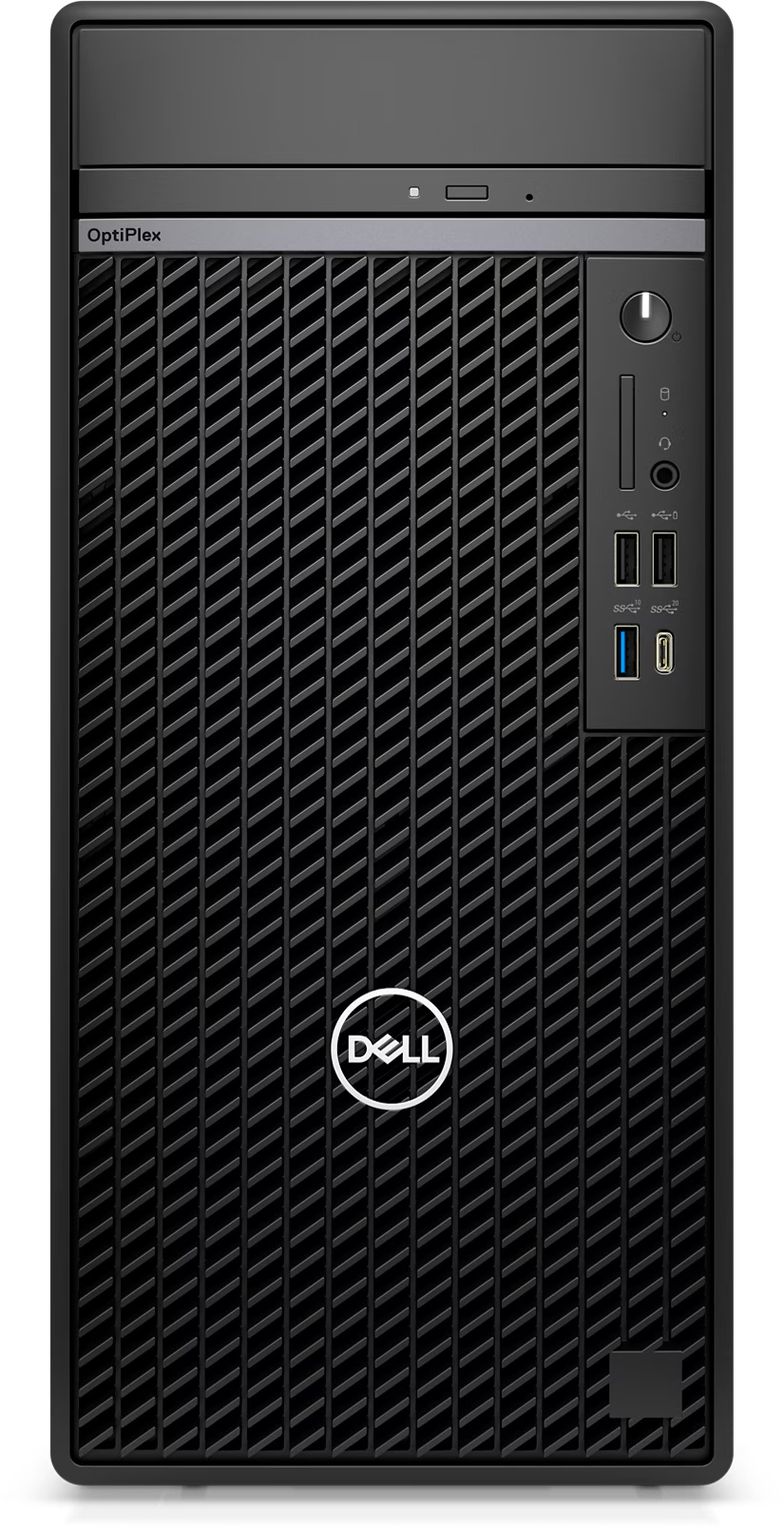
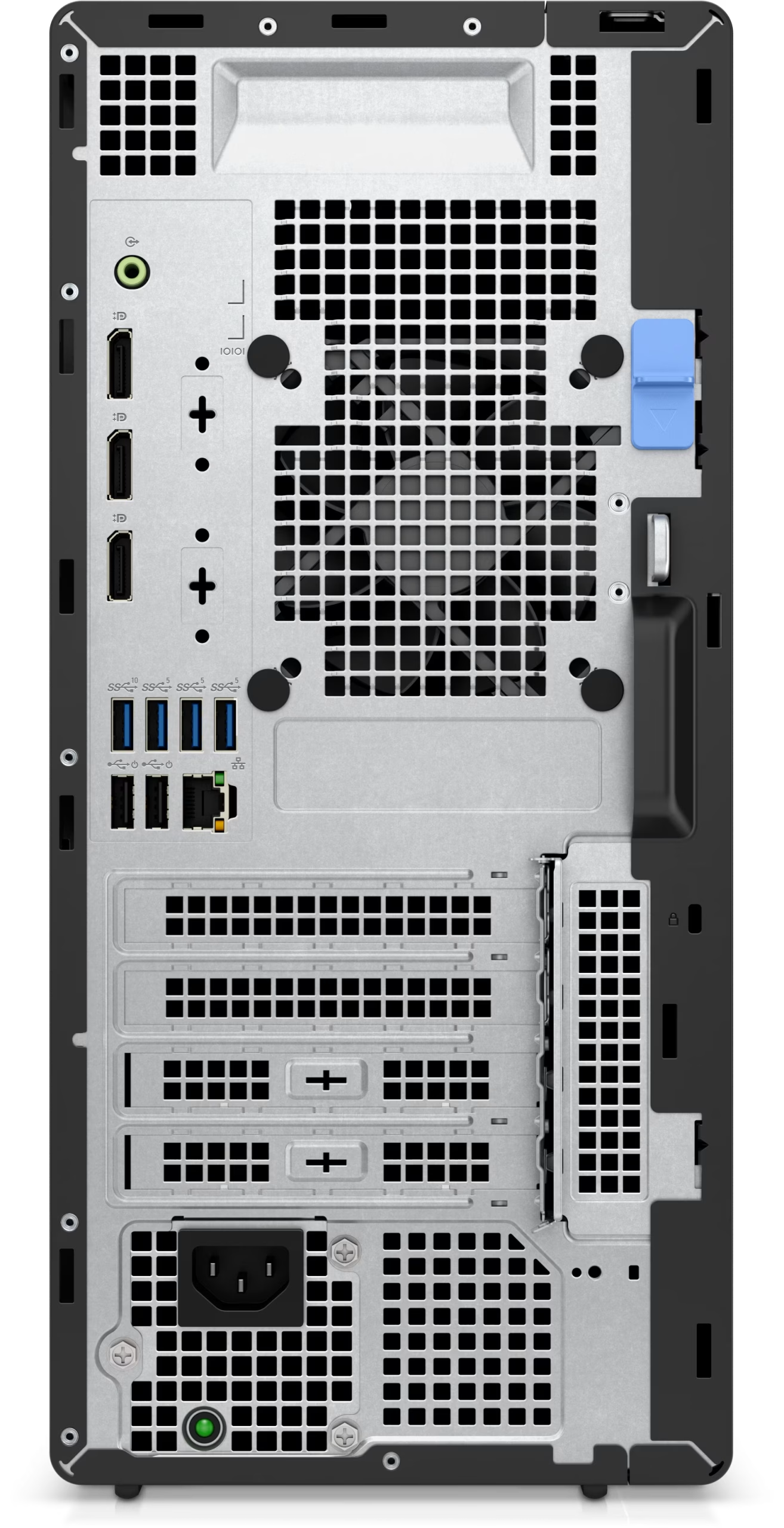

Dell OptiPlex Tower Plus 7020 Business Desktop – Intel Core i5-14500 vPro, 8GB DDR5, 512GB NVMe SSD, DVD-RW
The Dell OptiPlex Tower Plus 7020 is a powerful business-class desktop engineered for modern office productivity and seamless multitasking. Powered by the latest Intel Core i5-14500 vPro processor, it delivers reliable performance, enhanced security, and efficient workflow management for professional environments.
Equipped with 8GB DDR5 5600MHz memory and a fast 512GB NVMe SSD, this desktop ensures quick boot times, responsive performance, and smooth everyday computing. With triple DisplayPort outputs plus HDMI connectivity, it supports multi-monitor setups ideal for business, finance, design, and operational workstations.
Its durable tower design, integrated DVD-RW drive, and Dell 1-Year On-site Support make it a dependable solution for offices, enterprises, and professional users seeking scalability and long-term reliability.
Key Features
Intel Core i5-14500 vPro Processor
8GB DDR5 5600MHz RAM
512GB PCIe NVMe SSD
Triple DisplayPort 1.4a + HDMI Output
Built-in DVD-RW Drive
Enterprise-Level Security & Performance
Expandable Tower Form Factor
DOS Operating System
Dell 1-Year On-site Warranty
Optimized E-commerce Highlights
Fast Business Desktop PC
Enterprise Productivity Solution
Multi-Display Office Workstation
Reliable Dell Commercial Desktop
High-Speed SSD Performance
Ideal for Office & Professional Use
Intelligence meets simplicity
Find your OptiPlex in just two steps: Select your form factor, then choose the right features for the job.
Simplified management: Our new OptiPlex desktops with Intel® Core™ processors (14th gen) feature one BIOS for All-in-Ones and one BIOS across Towers, Small Form Factors and Micro Form Factors.

Which OptiPlex configuration is right for you?


Dive into rich user experiences


Get the most out of your OptiPlex
Supports 4 displays: Integrated graphics support for up to 4 simultaneous displays with up to 4K resolution.
Stunning views: Experience 5K resolution with optional DisplayPort.
Immersive content: Next generation discrete graphics, ready for graphic intense workloads and rich content.
Stay in your flow: Work without interruption with devices that seamlessly connect and interact. Your OptiPlex workspace pairs perfectly with Dell Wireless Headset, Dell Speakerphone and Dell UltraSharp webcam.
Enhancements that lead to advancements


Modern device management
Dell Manageability Solutions: Designed to allow IT admins to deploy drivers, configure BIOS, monitor devices, and manage updates – reliably and easily, all while integrating with existing endpoint management solutions. Dell offers the industry’s first Binary Large Object (BLOB) package-based solution, for securely configuring & managing endpoints, using Microsoft Intune.
Dell Trusted Update Experience: All new offering simplifies the update experience for your fleet of devices. We package the latest BIOS, drivers, and firmware versions for our customers – with Dell-exclusive capabilities.

Dell Trusted Devices
Be secure from first boot: Rigorous, state-of-the-art supply chain controls and Dell-unique Secured Component Verification reduce the risk of product tampering.
Stay protected from evolving threats: Only Dell offers off-host BIOS and firmware verification, providing greater security than other PCs. Comprehensive security support further minimizes the risk of attack in-use.
Early-alert threat detection: Indicators of Attack, an early-alert feature offered only by Dell, scans for behavior-based threats before they can do damage, e.g., BIOS attacks, chassis intrusion.
Safeguard user credentials: Our unique security chip offers an extra, hardware-based layer of security against credential theft.

Advancing Sustainability

Accelerate business success with Copilot and Windows 11 Pro

Dell APEX PC-as-a-Service

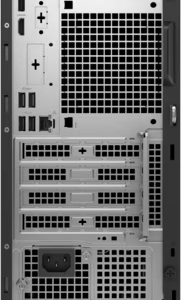
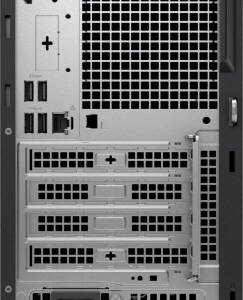
Ports and slots
1. Optical Disc Drive (optional)
2. Power Button
3. Storage Activity Light
4. SD Card Slot (optional)
5. Universal Audio Jack
6. USB 2.0 Port
7. USB 2.0 Port with PowerShare
8. USB 3.2 Gen 2 Port
9. USB 3.2 Gen 2×2 Type-C Port
10. Re-tasking Line-out/Line-in Audio Port
11. Serial Port (optional)
12. 3x DisplayPort 1.4a Ports (each up to 4096 x 2304 @60Hz)
13. Video Port (optional)
- HDMI 2.1: up to 4096 x 2160 @60Hz
- DisplayPort 1.4a: up to 5120 x 3200 @60Hz
- VGA: up to 1920 x 1200 @60Hz
- USB Type-C with DisplayPort Alt mode: up to 5120 x 3200 @60Hz
14. USB 3.2 Gen 2 Type-A Port
15. 3x USB 3.2 Gen 1 Type-A Port
16. 2x USB 2.0 with SmartPower On
17. 4x Expansion Slots
18. Power Cord Connector
19. Power Supply Diagnostic Light
20. Release Latch
21. Padlock Ring
22. RJ-45 Ethernet
23. Kensington Security Cable Slot

Related products
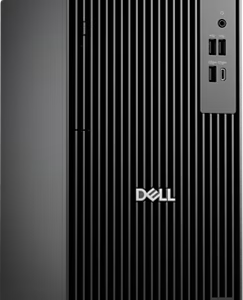
Dell i7 Pro Tower QCT1250 | Best Intel i7 14th Gen, 8GB DDR5, 512GB SSD Desktop
- Operating System: No OS
- CPU Name: Intel Core i7-14700
- Memory Capacity: 8 GB
- NVMe SSD: 512GB
- HDD: NO
- GPU/VGA Type: Integrated Intel UHD Graphics
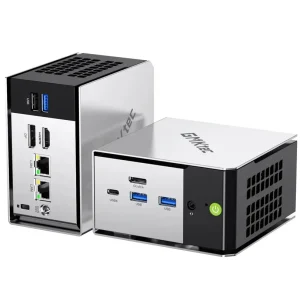

GMKtec M8 Mini PC AMD Ryzen 5 PRO 6650H (6C/12T 4.50Ghz) Dual NIC LAN 2.5GbE, 16GB LPDDR5 RAM + 512GB Hard Drive PCle SSD, Oculink, USB4, HDMI, USB-C
| Brand | GMKtec ,GMKtec M8 Mini PC |
| Operating system | Windows 11 Pro |
| CPU model | Ryzen 5 |
| CPU speed | 2.0 |
| Cache size | 16 GB |
| Graphics card description | Integrated |
| Graphics co-processor | AMD Radeon 660M 12 Cores |
| Memory storage capacity | 512 GB |
| Specific uses for product | Education, Everyday Use, Multimedia |
| Personal computer design type | Mini PC |
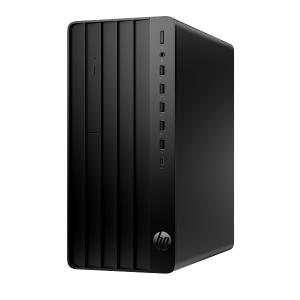
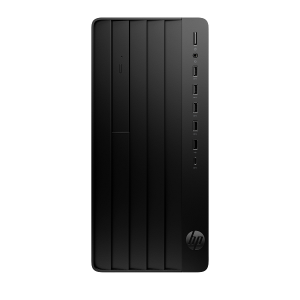
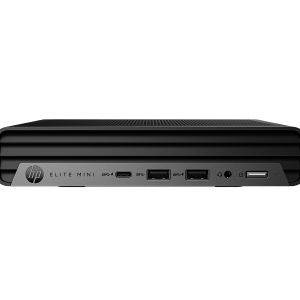
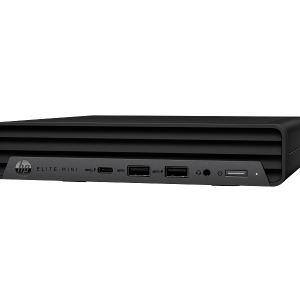
HP Elite Mini 800 G9 | Intel i7-14700, 16GB RAM, 512GB SSD Mini PC
Buy the HP Elite Mini 800 G9 Desktop Computer featuring a 14th Gen Intel Core i7-14700 processor, 16GB DDR5 RAM, and 512GB SSD. Includes wired keyboard & mouse (No OS)
- Mini PC Type: Business Mini PC
- GPU: Integrated Intel UHD Graphics
- NVMe SSD: 512 GB
- Memory Capacity: 16 GB
- CPU Name: Intel Core i7-14700
- Operating System: No OS
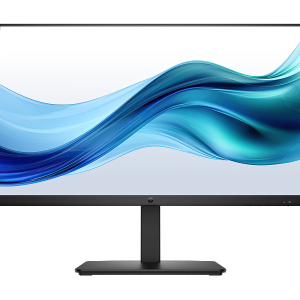
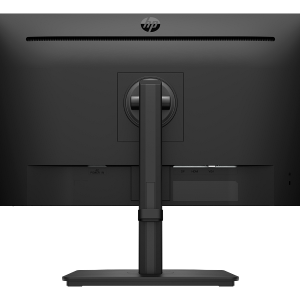
HP Series 3 Pro 27 Inch FHD Monitor 327pe B1GM6AF
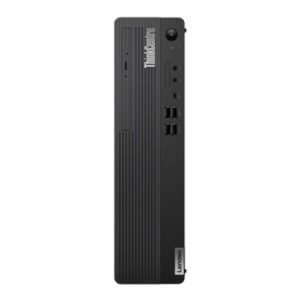
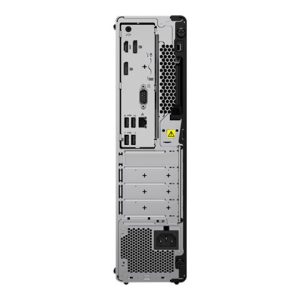
Lenovo ThinkCentre M70s SFF | i5-10400, 8GB, 256GB SSD, Win 10 Pro (Win 11 Ready)
Lenovo ThinkCentre M70s SFF
-
Reliable 10th Gen Intel Performance: Powered by the 6-core Intel® Core™ i5-10400 processor, engineered for fluid multitasking, office applications, and commercial workloads.
-
Space-Saving Small Form Factor: Compact SFF chassis fits easily on tight desks, under monitors, or in small workspaces without sacrificing cooling or expandability.
-
Fast DDR4 Memory & NVMe SSD: Features 8GB DDR4 RAM for efficient workflow handling and a 256GB PCIe NVMe SSD for fast system boot-ups and file transfers.
-
Windows 11 Pro Upgrade Ready: Ships pre-installed with Windows 10 Pro and fully meets hardware requirements for a free, smooth upgrade to Windows 11 Pro.
-
Integrated Wi-Fi Connectivity: Built-in Wi-Fi adapter allows easy connection to corporate or home wireless networks out of the box.
Reviews
There are no reviews yet.