

TP-Link EAP615-Wall AX1800 Access Point WiFi 6 Best Ultimate Wall Mount Wireless Access Point with Gigabit PoE
Buy TP-Link EAP615-Wall AX1800 Access Point with WiFi 6, AX1800 dual-band speed, Gigabit Ethernet, PoE support, Omada SDN management and seamless roaming for business networks.
Description
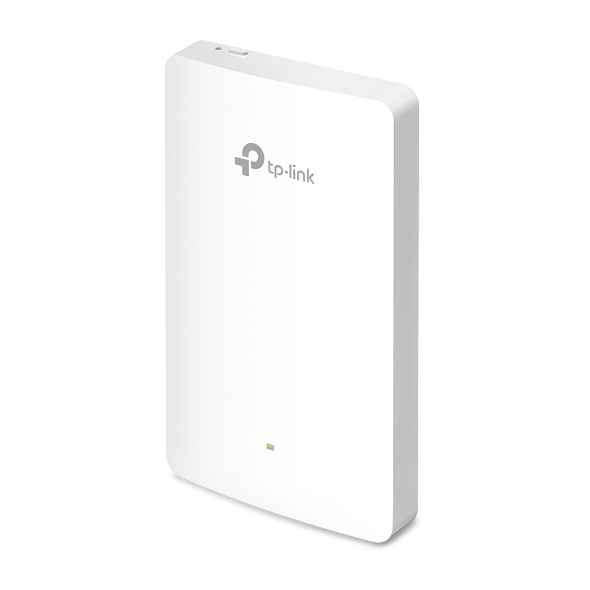
TP-Link EAP615-Wall AX1800 WiFi 6 Wall Plate Access Point
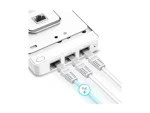
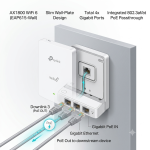
TP-Link EAP615-Wall is an AX1800 WiFi 6 wall-mounted access point designed for hotels, offices, apartments, and business networks. It provides high-speed dual-band wireless connectivity, Gigabit Ethernet ports, seamless roaming, and centralized management through TP-Link Omada SDN.
Key Features Of TP-Link EAP615-Wall AX1800 Access Point
- WiFi 6 AX1800 dual-band performance
- Wall-mounted design for clean installation
- High-speed wireless connectivity for business environments
- Supports MU-MIMO and OFDMA technology
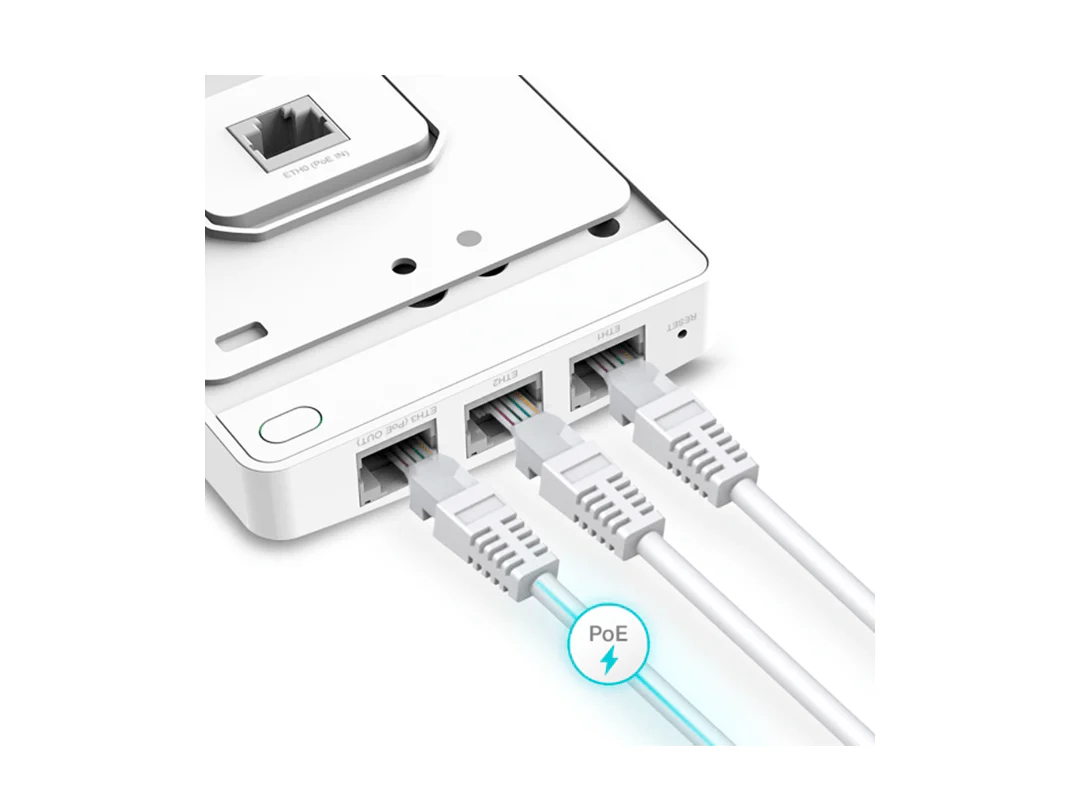
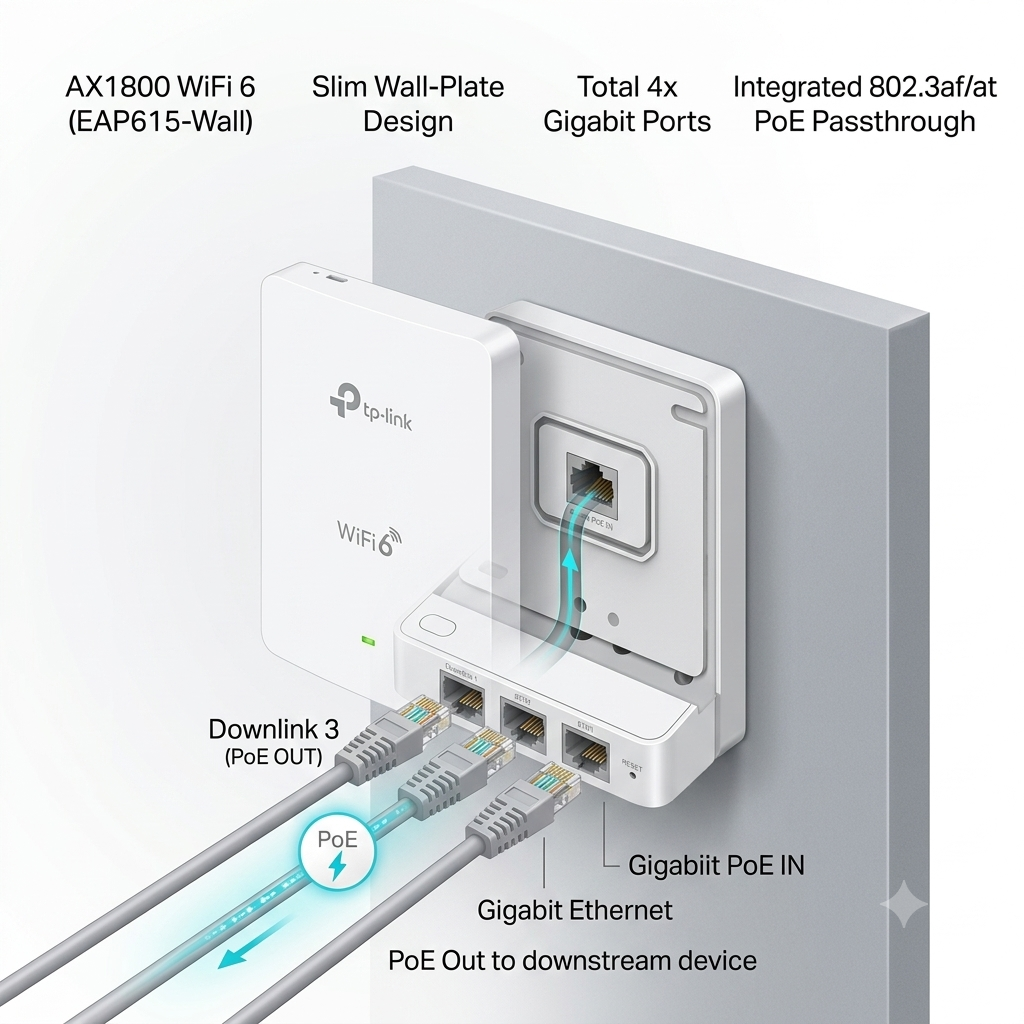
- Gigabit Ethernet uplink port
- Additional Gigabit LAN ports for wired devices
- Supports Omada SDN centralized management
- Seamless roaming for uninterrupted movement
- PoE powered installation support
- Plug & Play deployment
Connectivity & Speed Specification of TP-Link EAP615-Wall AX1800 Access Point
Specification |
Details |
|---|---|
Product Type |
Wall Plate WiFi 6 Access Point |
WiFi Standard |
WiFi 6 (802.11ax) |
Wireless Class |
AX1800 |
Total Wireless Speed |
Up to 1775Mbps |
2.4GHz Speed |
Up to 574Mbps |
5GHz Speed |
Up to 1201Mbps |
Frequency Bands |
Dual Band 2.4GHz + 5GHz |
Wireless Technology |
OFDMA + MU-MIMO |
Client Capacity |
Multiple connected users |
Ports & Wired Connectivity
Specification |
Details |
|---|---|
Uplink Port |
1 × Gigabit Ethernet |
LAN Ports |
3 × Gigabit Ethernet ports |
Ethernet Speed |
Up to 1000Mbps |
Power Input |
802.3at PoE / 12V DC |
PoE Support |
Yes |
Installation Type |
Wall Mount |
Coverage & Performance
Specification |
Details |
|---|---|
Antenna Type |
Built-in antennas |
Coverage |
Depends on environment, walls, interference and placement |
Roaming Support |
Yes |
Best Use |
Hotels, offices, apartments, classrooms, business networks |
Advanced Features
Feature |
Details |
|---|---|
Management Platform |
TP-Link Omada SDN |
Cloud Management |
Supported |
Controller Support |
Omada Hardware/Software Controller |
Captive Portal |
Supported |
Guest Network |
Supported |
VLAN Support |
Supported |
Security |
WPA/WPA2/WPA3 |
Installation & Setup
- Mount the access point on wall
- Connect Ethernet cable
- Power through PoE or adapter
- Configure through Omada Controller/app
- Ready for wireless deployment
What’s In The Box
- TP-Link EAP615-Wall Access Point
- Mounting Kit
- Installation Guide
- Power Adapter (depending on package)
- Warranty Documents
Reviews (0)
Shipping & Delivery
Related products

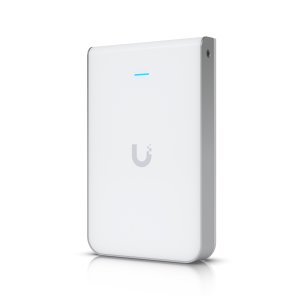
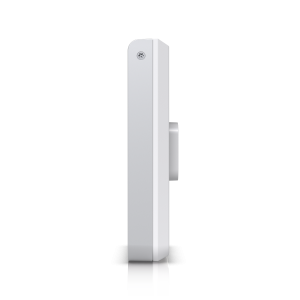
Ubiquiti UniFi IW HD – Wi-Fi 5 (802.11ac) Wave 2, Up to 2033 Mb/s, Multi-User MIMO, Dual Band | UAP-IW-HD
The Ubiquiti UniFi In-Wall HD (UAP-IW-HD) is a high-performance Wi-Fi 5 access point designed for hotels, offices, and residential deployments. Featuring dual-band 802.11ac Wave 2 technology, MU-MIMO support, and wireless speeds up to 2033 Mbps, it delivers reliable high-speed connectivity while providing four integrated Gigabit Ethernet ports for wired devices. Its compact in-wall design ensures seamless network coverage and a clean professional installation.
Reviews
There are no reviews yet.